My Menorah6
Publisher Description
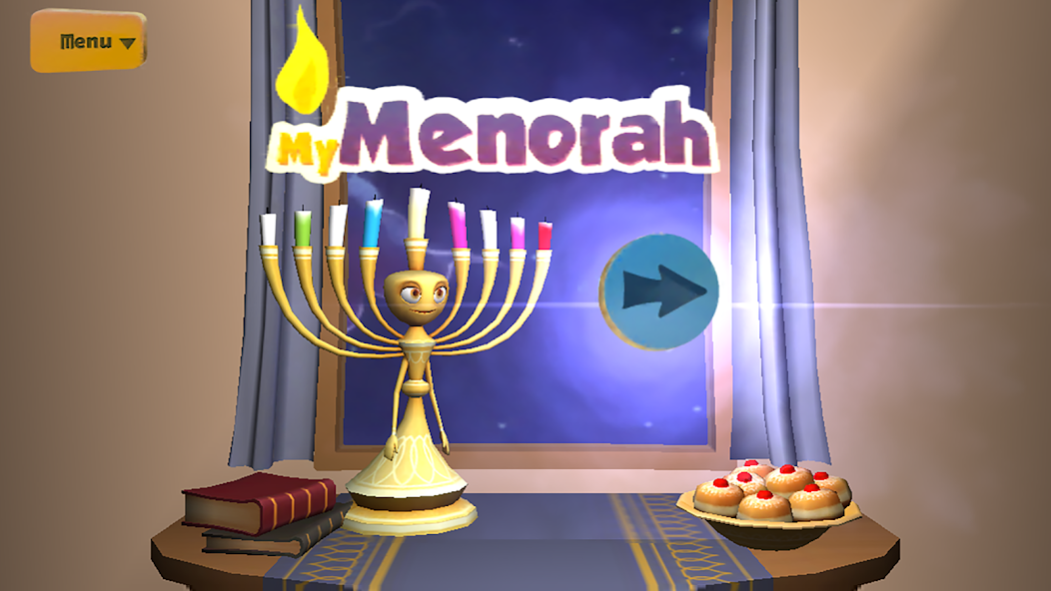
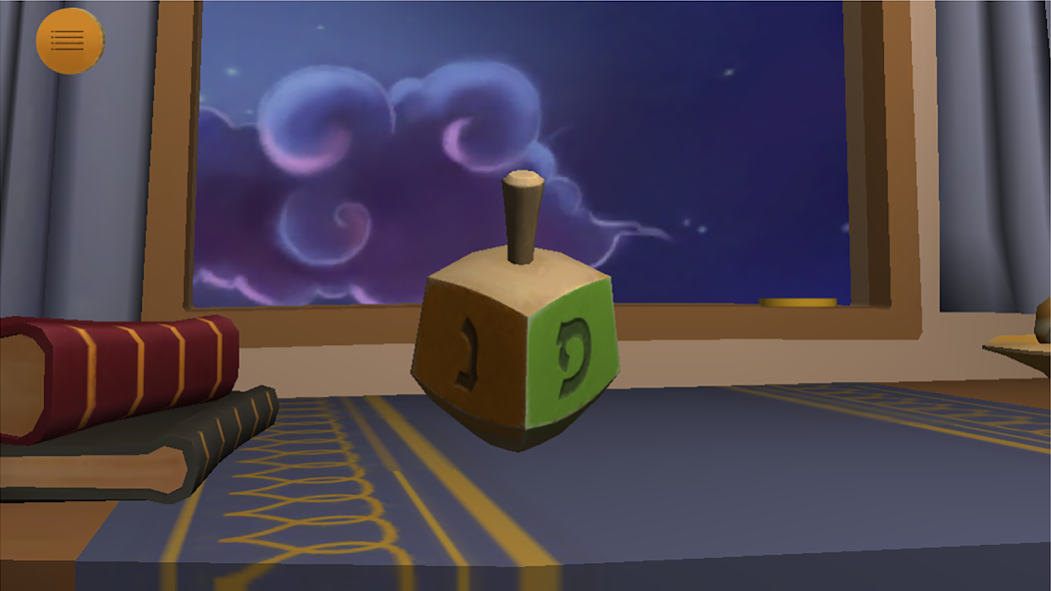
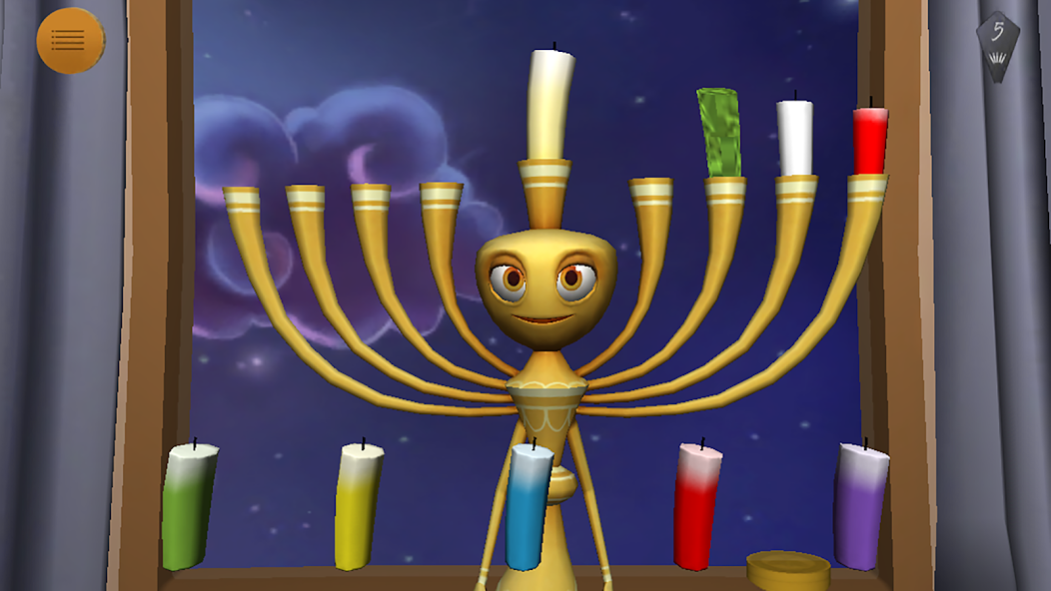
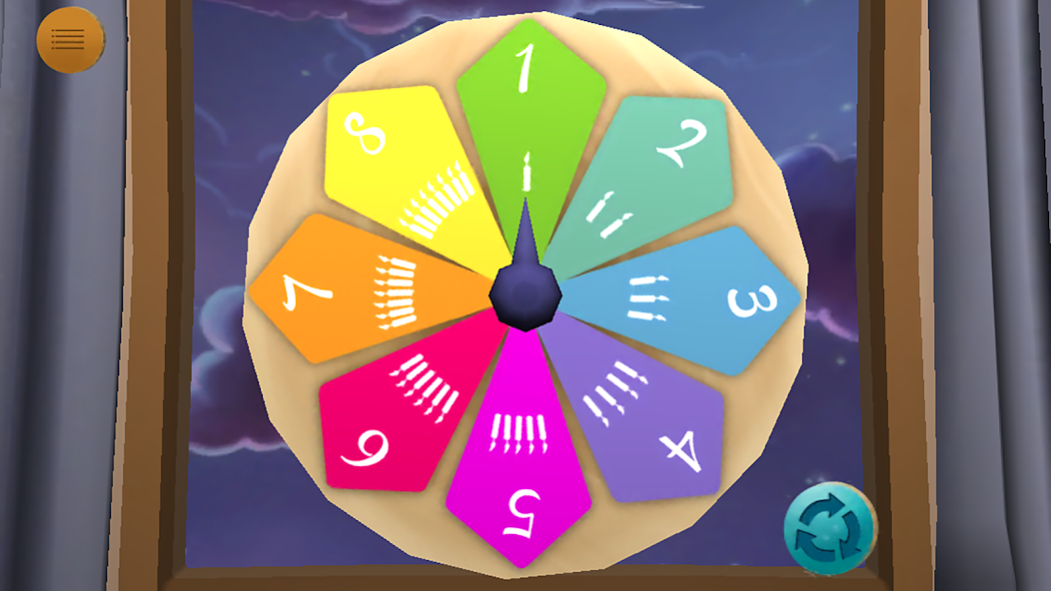
Get ready for a fun-filled Chanukah / Hanukkah! Set up your own menorah each day. Just spin the dreidel to get the color of your next candle. Then light the candles with the friendly Menorah as your guide. Sing Chanukah songs together with your family and earn lots of Chanukah gelt and gifts.
Designed for young Jewish children, “My Menorah” is a 3D, interactive, animated game that your young child will not only have fun with, but also acquire core skills such as numeracy, foundational Hebrew, ability to match color and sequence, learn new Chanukah songs and more!
SKILL BUILDING
This 3D animated app will enrich your young child’s:
-Numeracy (Hebrew/English)
-Color recognition and sequencing
-Knowledge of the festival of Chanukah and the special mitzvah of lighting the Menorah
“My Menorah” for the Entire Family
In addition to the traditional Chanukah songs, “My Menorah” includes special “8 Days of Happiness” tips for parents, resources and guides for creating meaningful family Chanukah experiences.
About My Menorah
The company that develops My Menorah is Jewish Interactive LLC. The latest version released by its developer is 6.
To install My Menorah on your Android device, just click the green Continue To App button above to start the installation process. The app is listed on our website since 2014-12-18 and was downloaded 14 times. We have already checked if the download link is safe, however for your own protection we recommend that you scan the downloaded app with your antivirus. Your antivirus may detect the My Menorah as malware as malware if the download link to net.jewishinteractive.mymenorah is broken.
How to install My Menorah on your Android device:
- Click on the Continue To App button on our website. This will redirect you to Google Play.
- Once the My Menorah is shown in the Google Play listing of your Android device, you can start its download and installation. Tap on the Install button located below the search bar and to the right of the app icon.
- A pop-up window with the permissions required by My Menorah will be shown. Click on Accept to continue the process.
- My Menorah will be downloaded onto your device, displaying a progress. Once the download completes, the installation will start and you'll get a notification after the installation is finished.
Program Details
System requirements
Download information
Pricing
Version History
version 6
posted on 2014-12-18
- Improved usability,- Fixed bug in Sevivon song
